


SDS : Speaker Design Suite
All the Tools, Products, Tests, and Visualized Process to Build Your Own Speaker
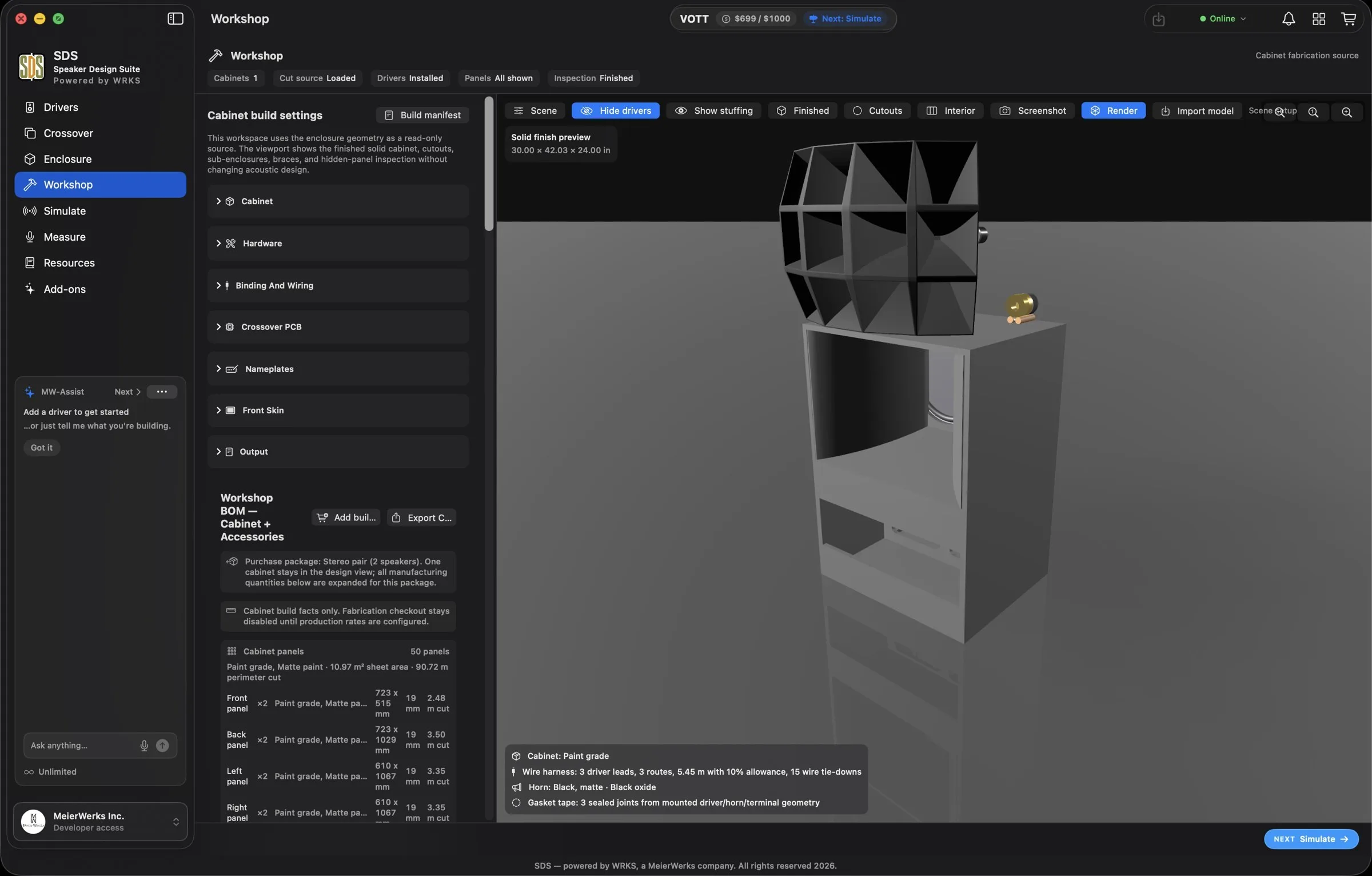
SDS, our Speaker Design Suite, powered by WRKS, allows anyone – from layman to professional – to build their own speaker. SDS is a highly intuitive program combining real-time data (from costs, to size, to materials) with onscreen visualization and sound testing.
“Quite frankly, it’s like nothing you’ve ever seen before.”
Jay Lee
The Power of an Engineering Studio in the Palm of Your Hand
The world of DIY sound just took a major leap forward
SDS is a desktop application. A companion iOS app is available with limited capability; for full functionality, use the desktop version.


Pick a driver from the catalog, or load your own measurements
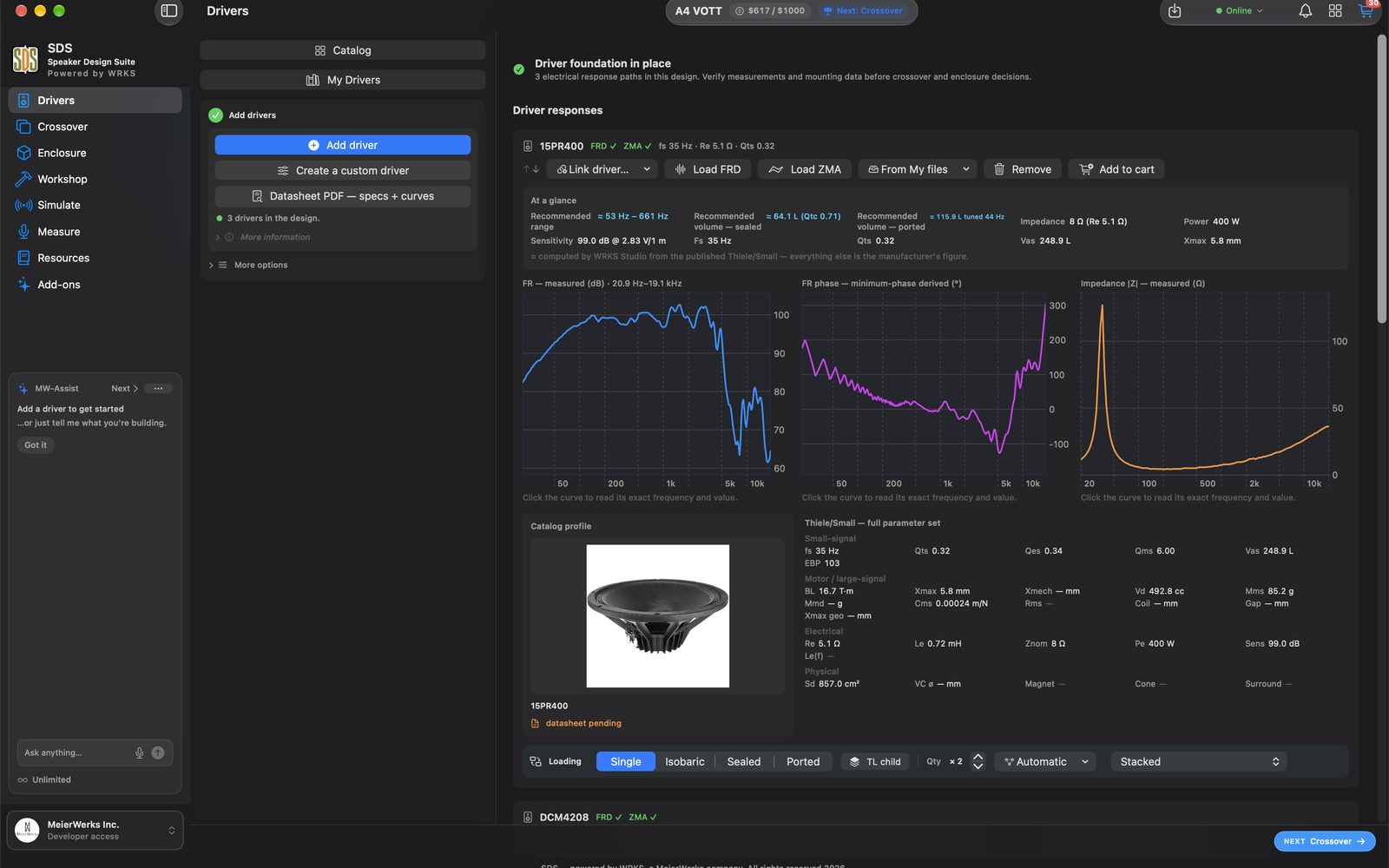
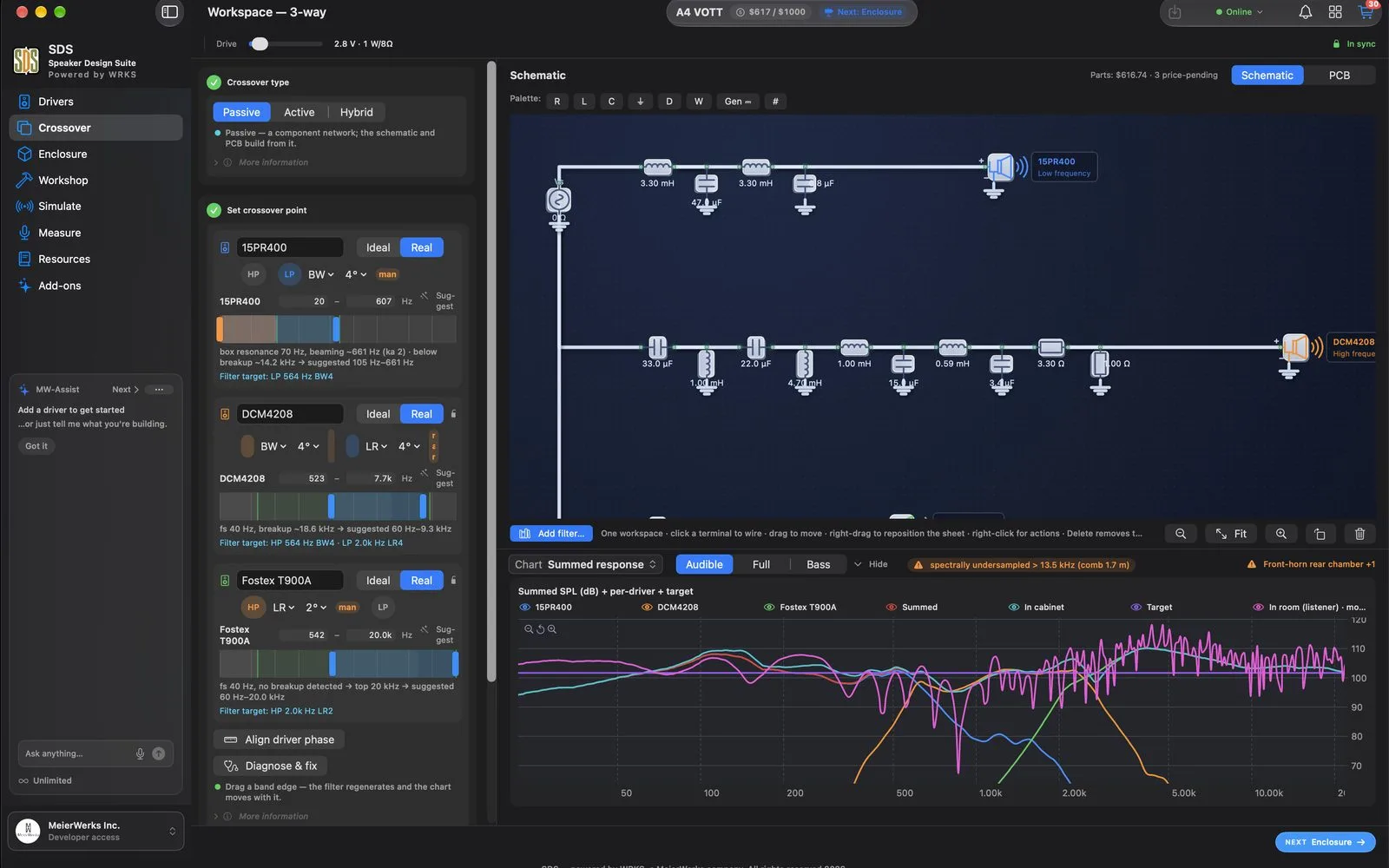
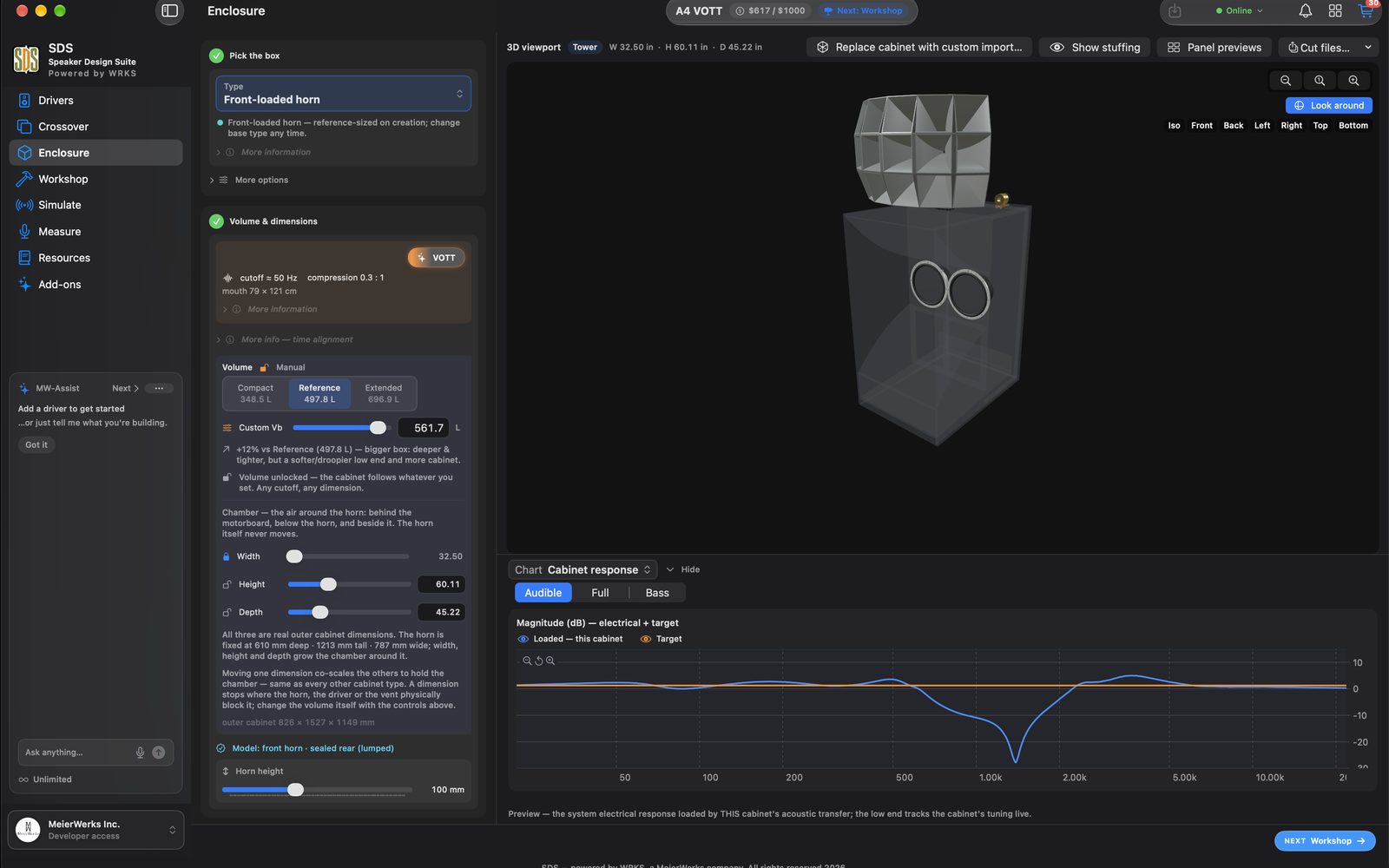
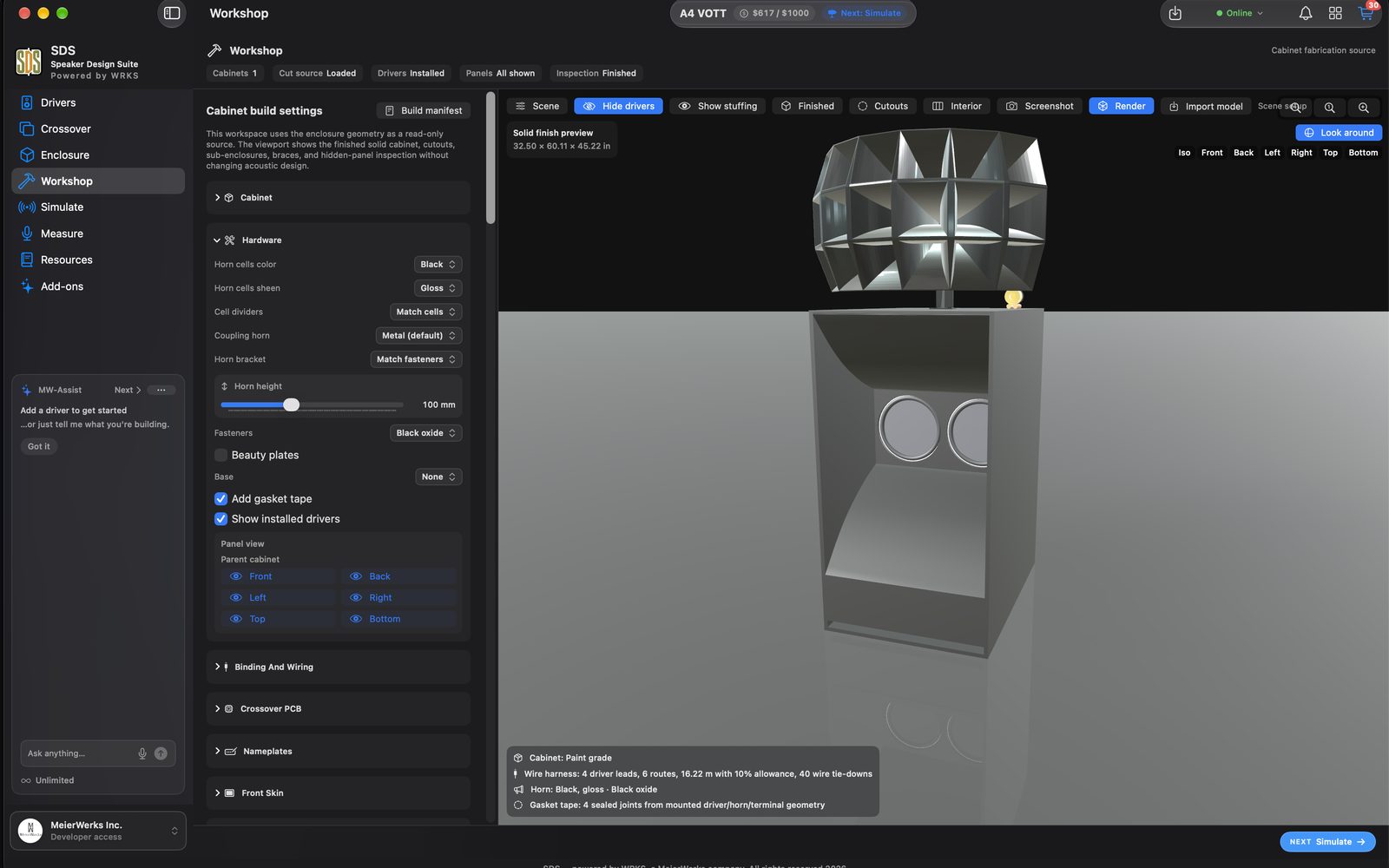
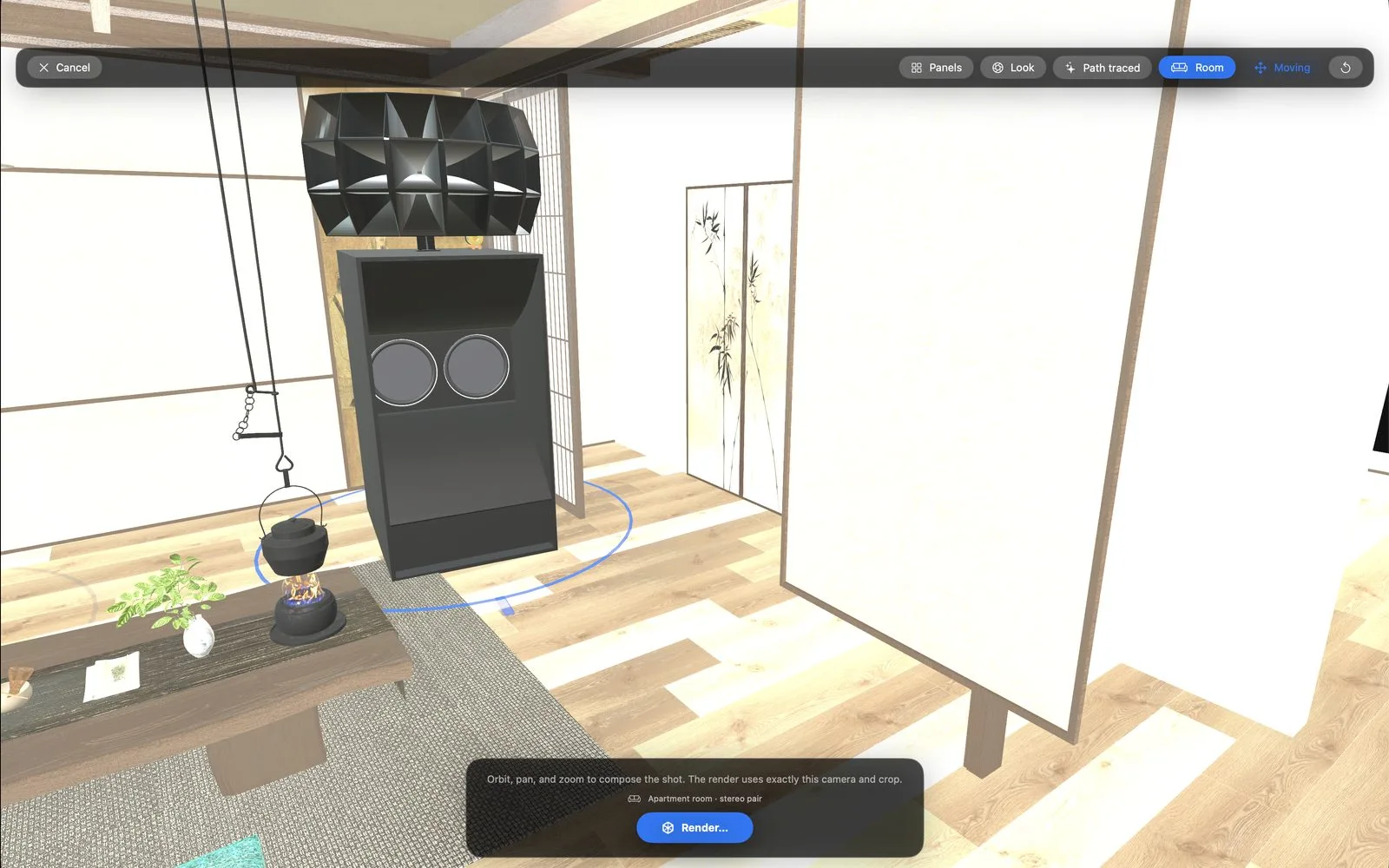
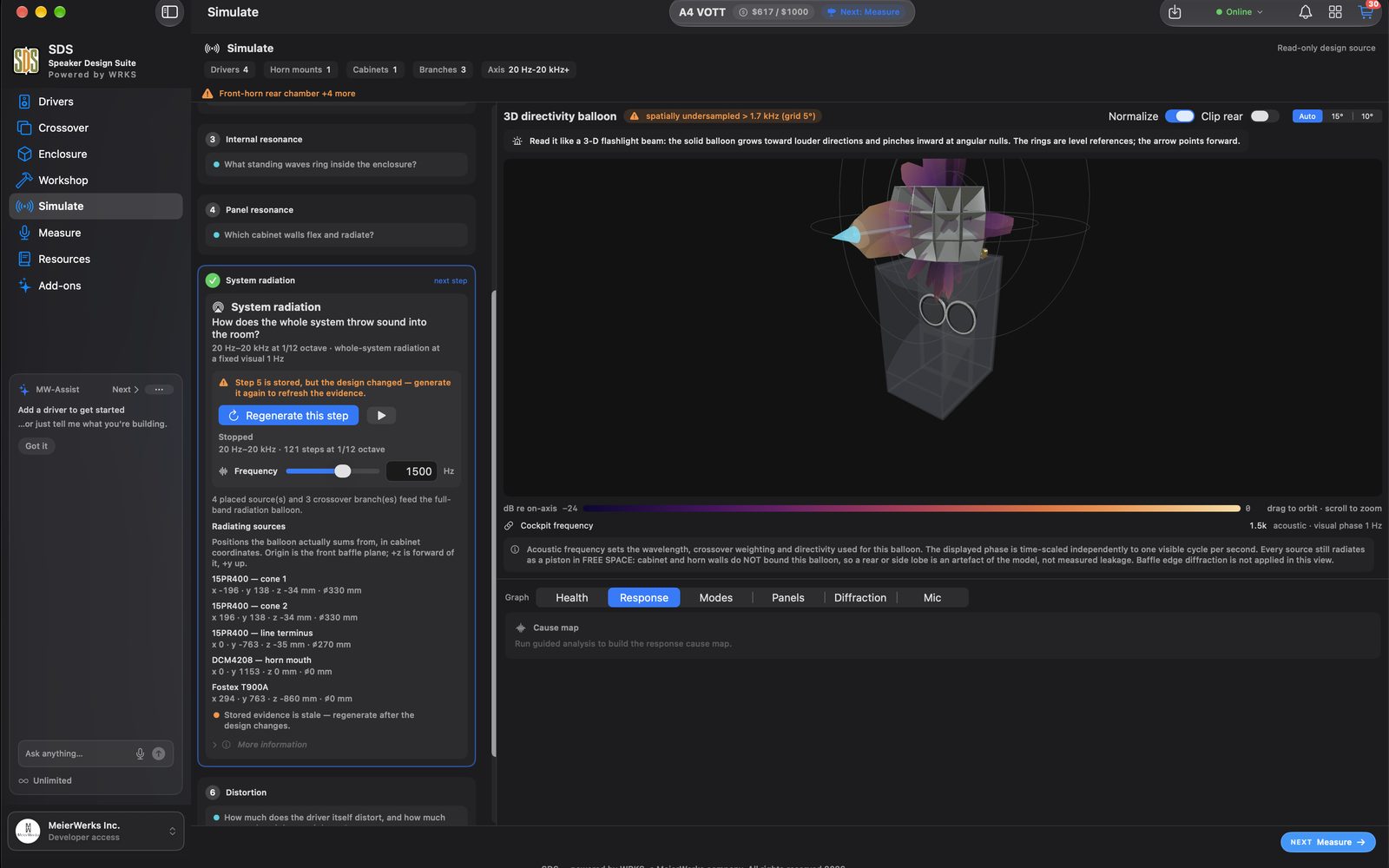
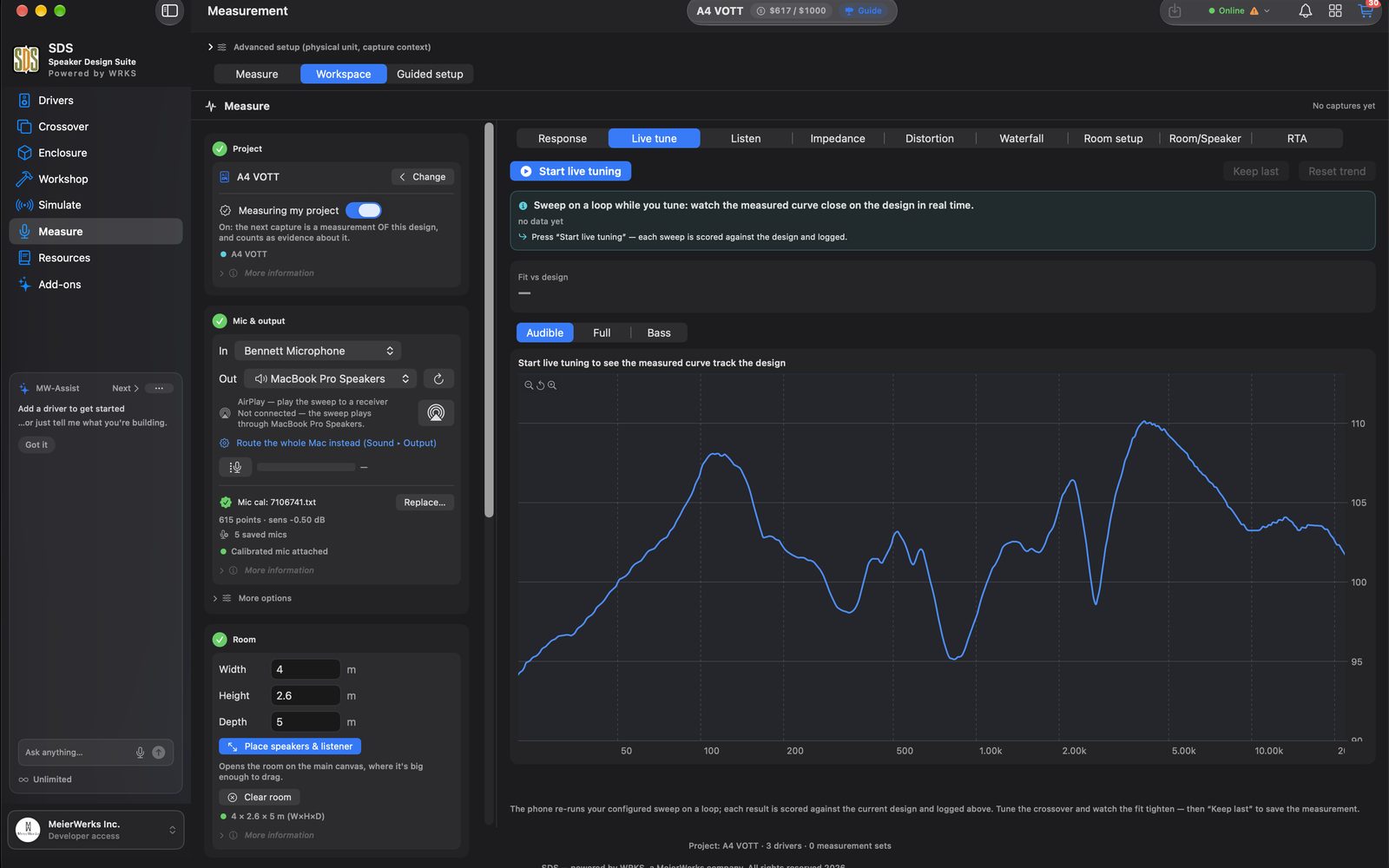
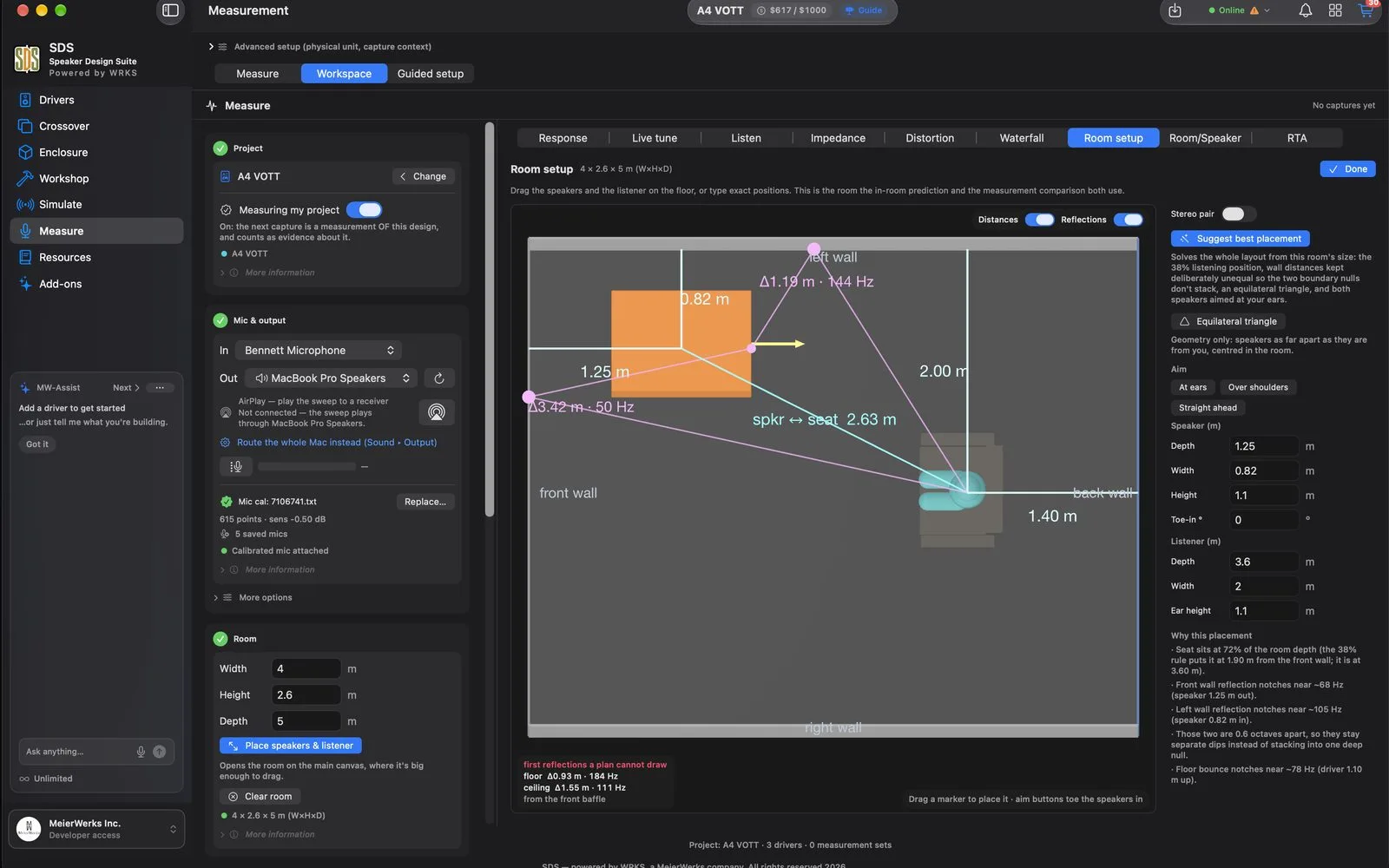
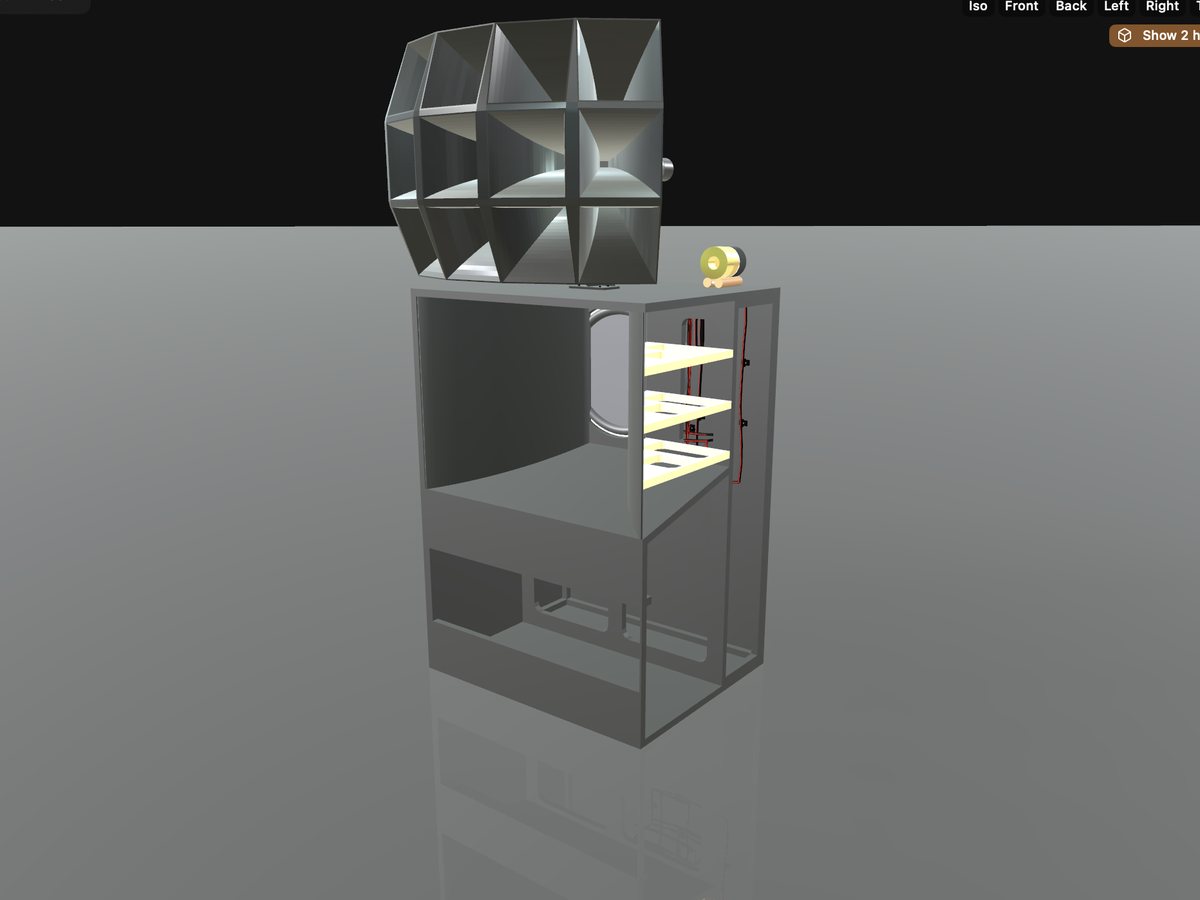
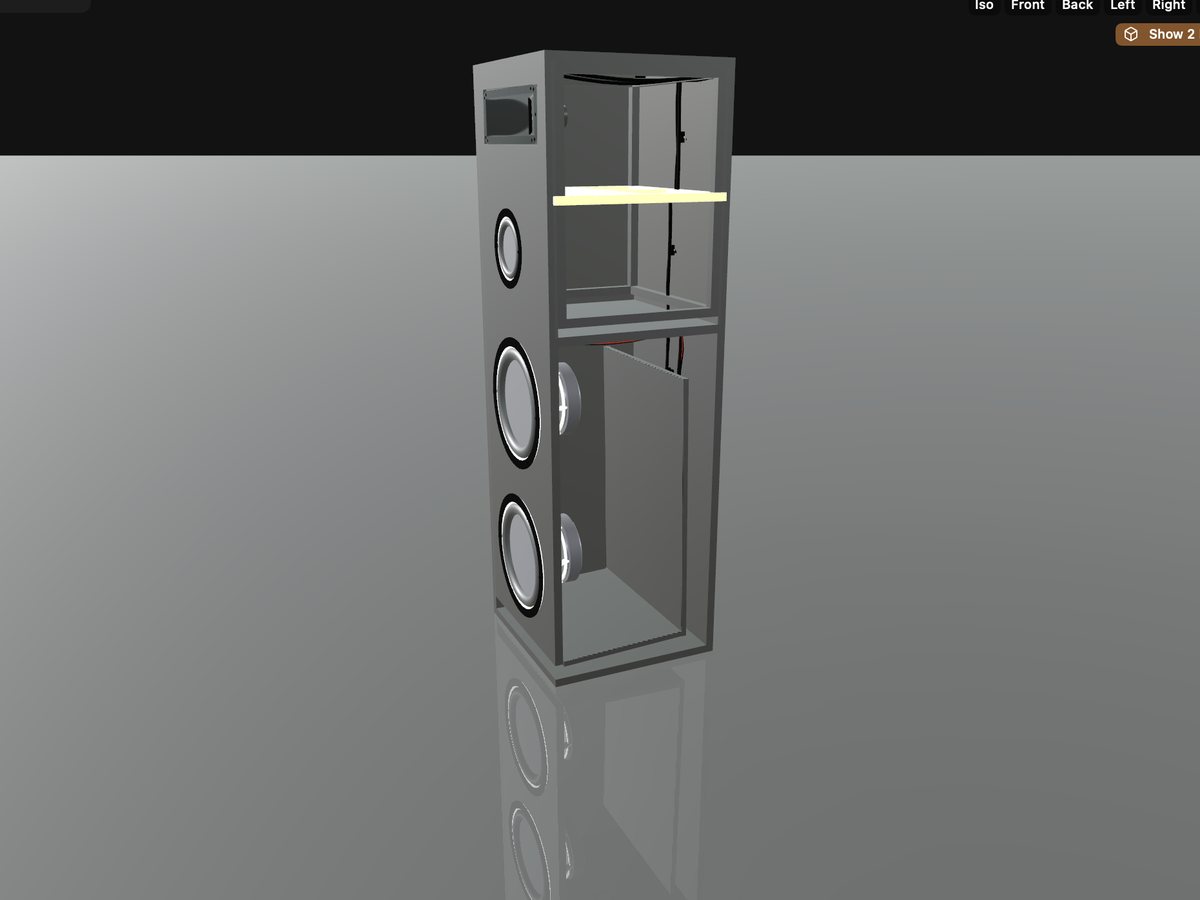
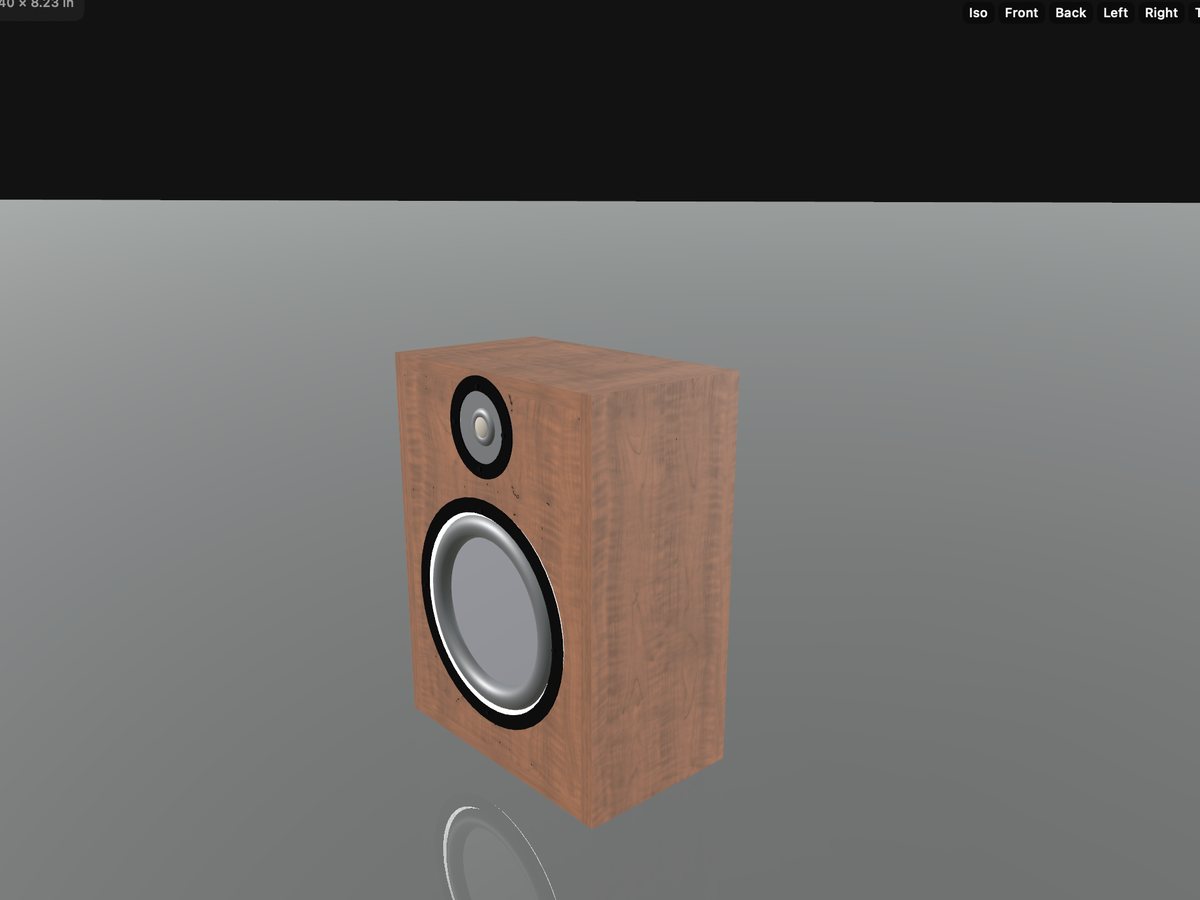
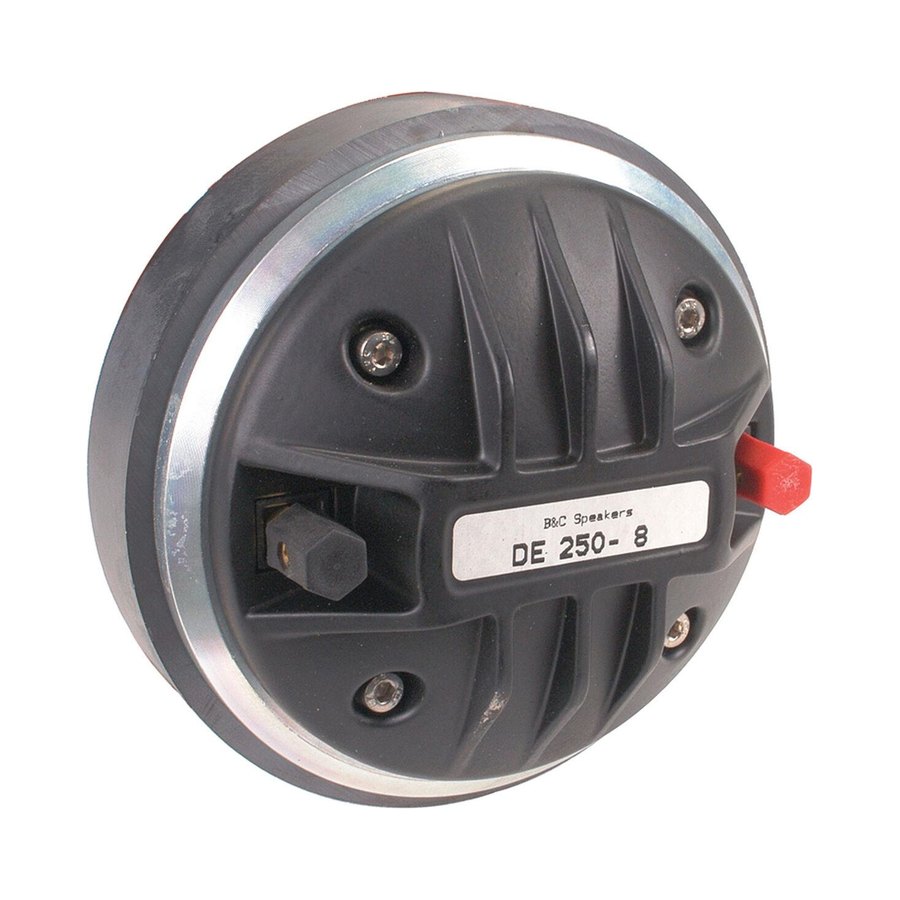
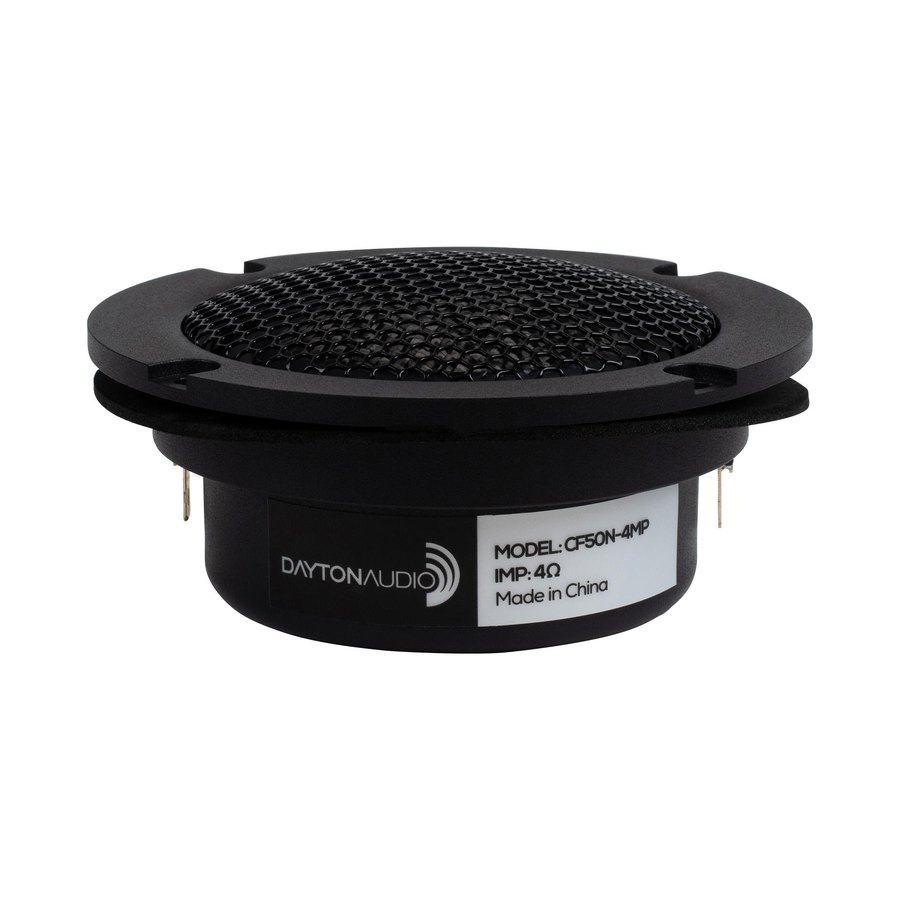
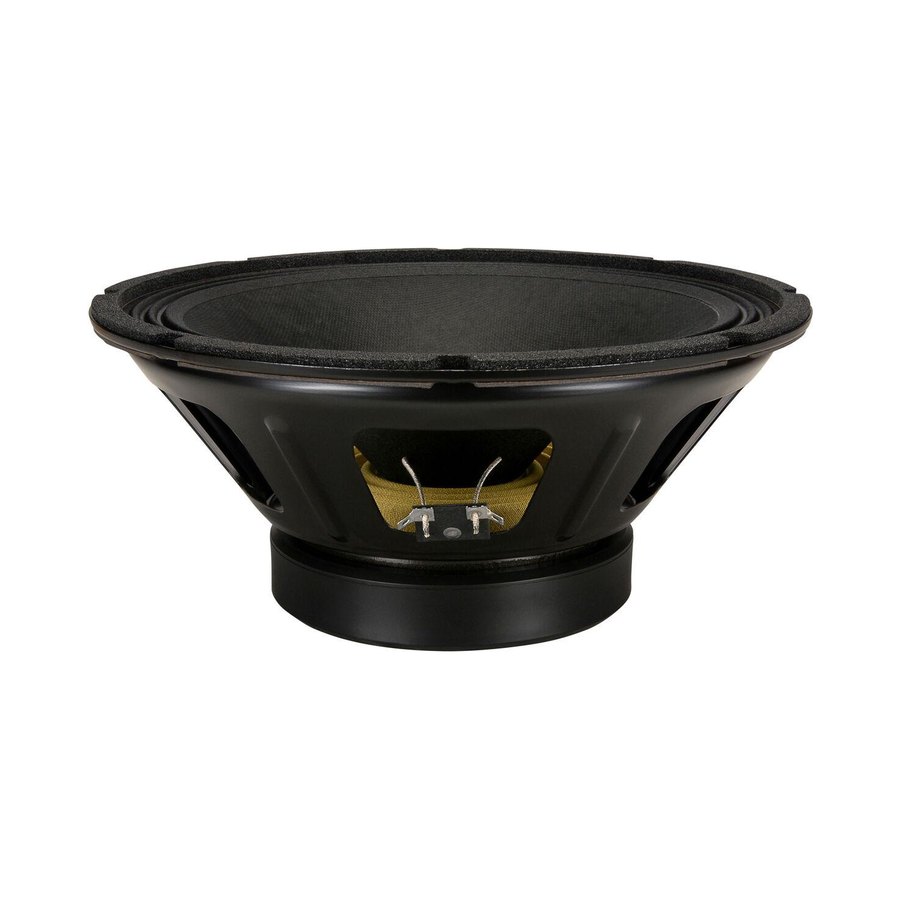
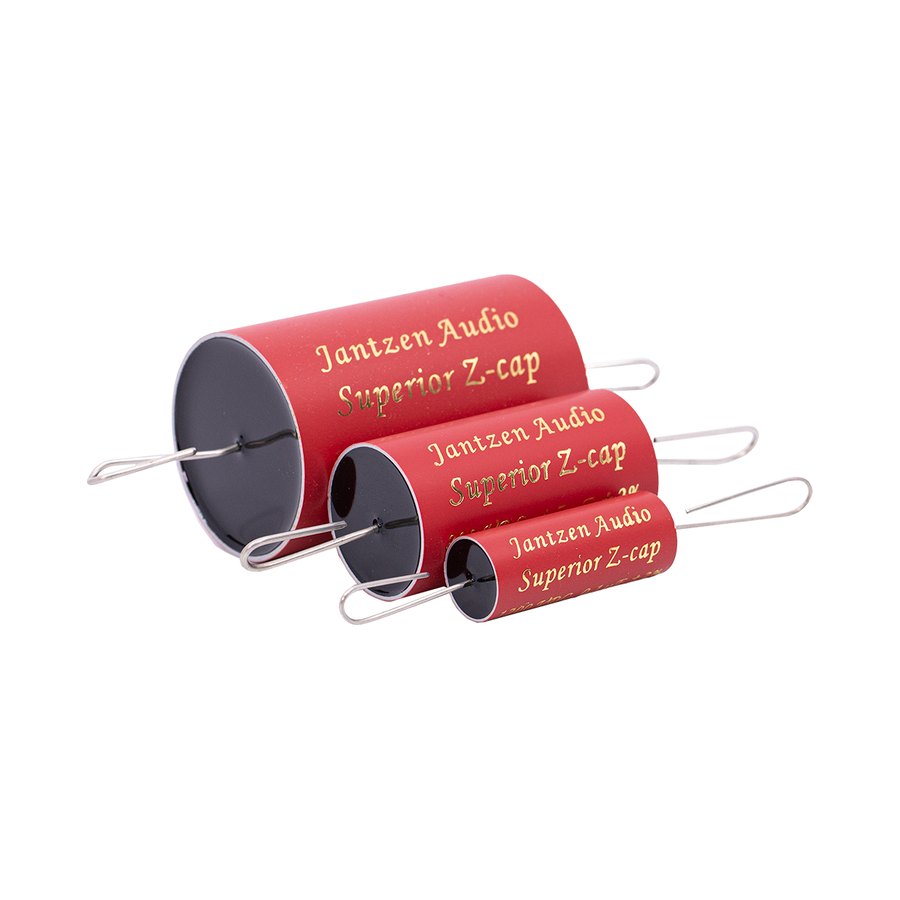
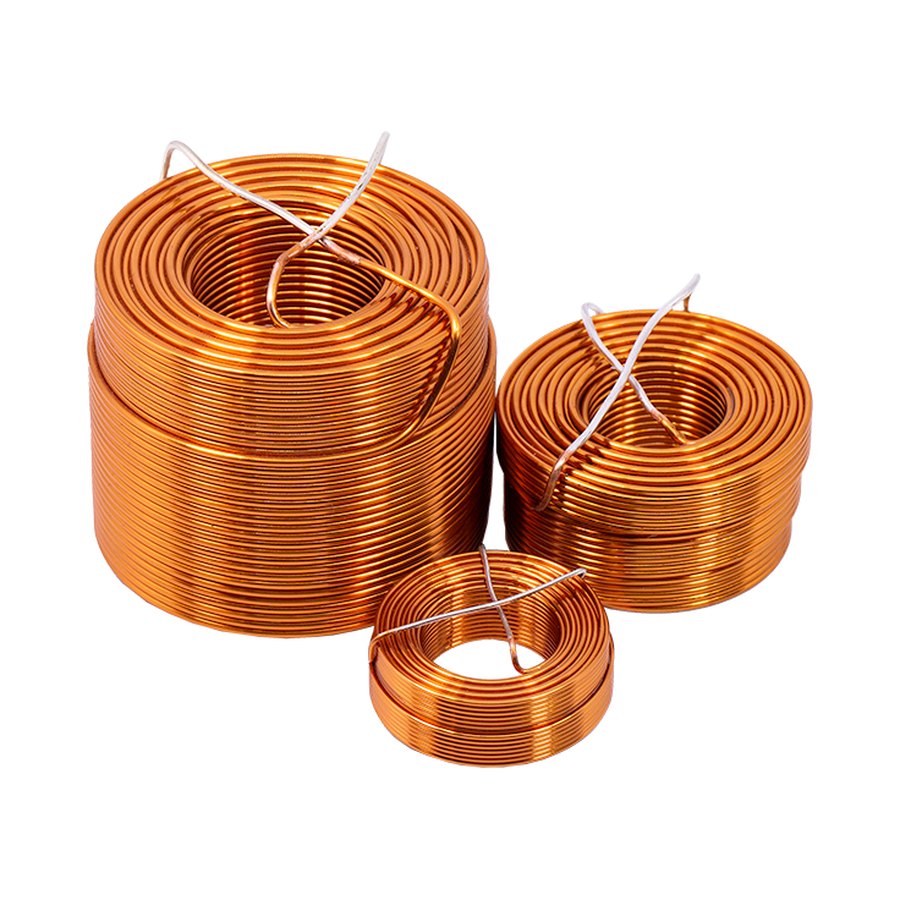
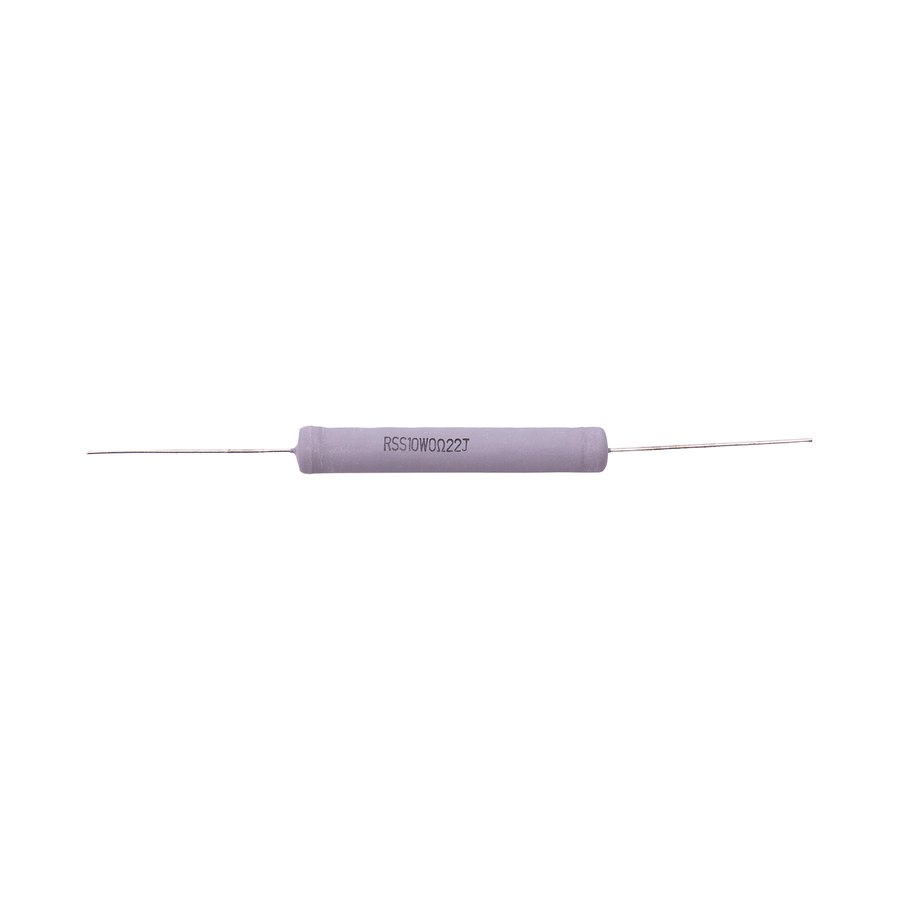
SDS has a full catalog of verified and measured components.
Process
Six workspaces. One document.
- 01
Drivers
Pick a driver from the catalog, type in your own Thiele-Small set, trace a manufacturer datasheet PDF, or load FRD and ZMA measurements.
- 02
Crossover
Schematic, live response and dispersion in one document. Choose a filter family from the encyclopedia, tune components, auto-fit ideal to real parts, and read summed SPL, phase, group delay, impedance and the CTA-2034 spinorama as you work.
- 03
Enclosure
Sealed, vented, passive radiator, bandpass, isobaric, transmission line, horn or open baffle. Dial volume and tuning while loading, excursion and port velocity update live.
- 04
Workshop
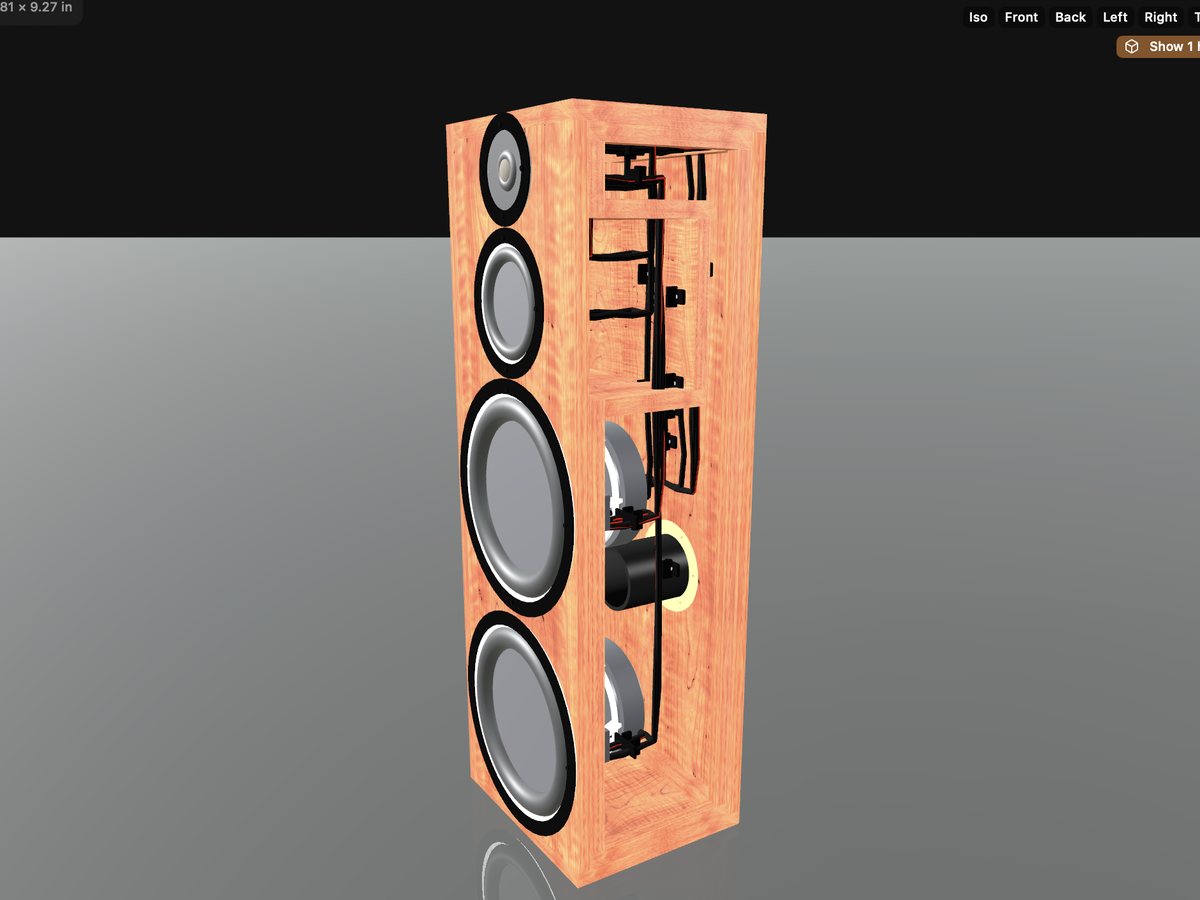
The 3-D cabinet and fabrication space: materials, finishes, bracing, imported CAD, bill of materials, cut files and a price for the build.
- 05
Simulate
The FEM / BEM cockpit, in six steps: cancellation, diffraction, internal resonance, panel resonance, system radiation and distortion.
- 06
Measure
Close the loop. Capture or import a measurement, gate it, compare measured against predicted, and refine the design.
Specs

WRKS is a collection of proprietary physics and simulation engines, built into our software and services.
Crossover and network
Exact nodal (MNA) circuit solver · Butterworth, Linkwitz-Riley and Bessel targets · ladder synthesis to real component values · Zobel and L-pad networks fitted to the measured impedance · filter-topology optimizer · Nelder-Mead auto-fit · CMA-ES, coordinate-descent and NSGA-II multi-objective search with a Pareto trade-off front · active / DSP crossovers with biquad export
Enclosures
Sealed, bass reflex, bandpass, passive radiator, isobaric, transmission line, horn and open baffle · Helmholtz port tuning and auto-sizing · ABCD two-port composition for lines and horns · radiation impedance · port flow-noise (chuffing) estimate
Horns
Compression-driver horn engine · Western Electric / Altec-style multicell horns · constant-directivity and sculpted-horn solvers · front-loaded horn family · BEM-derived mouth loading · flat-pattern development for fabrication
Directivity and diffraction
Analytic baffle diffraction and baffle step · BEM-solved diffraction fed back into the design chart · polar engine with the full CTA-2034 spinorama · directivity balloons · source-cancellation field across every radiating aperture
FEM / BEM
2-D exterior BEM validated to under 1 % against analytic solutions · 3-D Helmholtz BEM · interior standing-wave modes · solid-elasticity modal analysis of the assembled cabinet · panel modal solvers · GMRES iterative solver for large meshes
Cabinet, materials and structure
In-cabinet coloration transfer per driver · two-way fluid-structure coupling between air and panels · panel radiation · modal decay (ringing) in the time domain · viscous and thermal boundary-layer loss in ports and slots · Johnson-Champoux-Allard model for stuffing · material library with finite wall impedance · structural attachment of hardware and horns · physics-placed bracing, FEM-revalidated
Room
Image-source room prediction at the listening position · geometric ray acoustics to any reflection order · placement guidance
Large signal
Nonlinear motor: Bl(x), Cms(x), Le(x,i) · suspension nonlinearity · voice-coil thermal model and power compression · magnetostatic solve of the real magnetic circuit · time-domain coupled solver · excursion, port-velocity and power safety gates
Time alignment and phase
Frequency-dependent acoustic centre · minimum-phase derivation (Hilbert) · complex acoustic summation with offsets and polarity
Measurement
Sweep, RTA, cumulative spectral decay and impedance capture · calibrated microphone profiles · FRD / ZMA import · measured-versus-predicted reconciliation
Datasheets and catalog
Datasheet PDF reading: text extraction plus curve tracing with axis calibration and confidence scoring · 340-plus Parts Express / Dayton driver records · live bill of materials with indicative pricing
Rendering and fabrication
Metal path-traced photoreal rendering · DXF, STL and STEP cut files from one part list with joinery, pockets and bevels · every exported part checked closed, orientable and positive-volume before it leaves the app
MW-Assist
An assistant that observes the design, proposes fixes and applies them through the same actions the interface uses. AI orchestrates; it never simulates.
How SDS compares
| SDS | VituixCAD | Hornresp | REW | COMSOL | |
|---|---|---|---|---|---|
| Crossover design from measured FRD / ZMA | ● | ● | – | – | – |
| Sealed, vented, PR, bandpass, isobaric, TL, horn, open baffle | ● | ◐ | ● | – | ◐ |
| Horn design: compression, multicell, constant-directivity | ● | – | ◐ | – | ◐ |
| Baffle diffraction and CTA-2034 spinorama | ● | ● | – | – | ◐ |
| BEM / FEM on the real cabinet | ● | – | – | – | ● |
| Panel resonance, fluid-structure coupling, materials, stuffing | ● | – | – | – | ● |
| Large-signal motor, suspension and thermal behaviour | ● | – | – | – | ◐ |
| Measurement capture: sweep, RTA, CSD, impedance | ● | – | – | ● | – |
| Measured-versus-predicted reconciliation loop | ● | – | – | – | – |
| 3-D cabinet builder to DXF / STL / STEP cut files | ● | – | – | – | – |
| Photoreal rendering | ● | – | – | – | – |
| Parts catalog with live pricing and a one-click cart | ● | – | – | – | – |
| Datasheet PDF reading and curve tracing | ● | – | – | – | – |
| Built-in design assistant (MW-Assist) | ● | – | – | – | – |
| One live document from driver to cut file | ● | – | – | – | – |
● included · ◐ partial or build-it-yourself · – not offered
Compatibility
Built for the Mac
- Mac
- Apple silicon Mac (M1 or later) running macOS 14 Sonoma or later. SDS is a desktop application; the physics, optimizers, Workshop and rendering live here.
- iPhone and iPad
- A companion app for iOS 17 or later: measurement capture with microphone calibration, AirPlay output routing, Resources, Add-ons, orders and cart. Limited capability by design; for full functionality use the desktop version.
- Microphones
- Any calibrated USB measurement microphone; UMIK, ECM8000 and EMM-6 are recognised automatically. Phone-mic calibration profiles are supported.
- Input
- 3Dconnexion SpaceMouse for six-axis viewport navigation, alongside the mouse and trackpad.
- Imports
- FRD and ZMA measurements, manufacturer datasheet PDFs, glTF / GLB models from Fusion 360 and other CAD, SDS project and driver files.
- Exports
- DXF, STL and STEP cut files, DSP biquad coefficients, measurement files and simulation reports.
- Parts
- Parts Express is the fulfilment partner: the bill of materials hands off to a live cart with current price and stock.
Learn more